The Computer Dust Spray: A Detailed Review
- AnHome Store
- Sep 4, 2024
- 3 min read

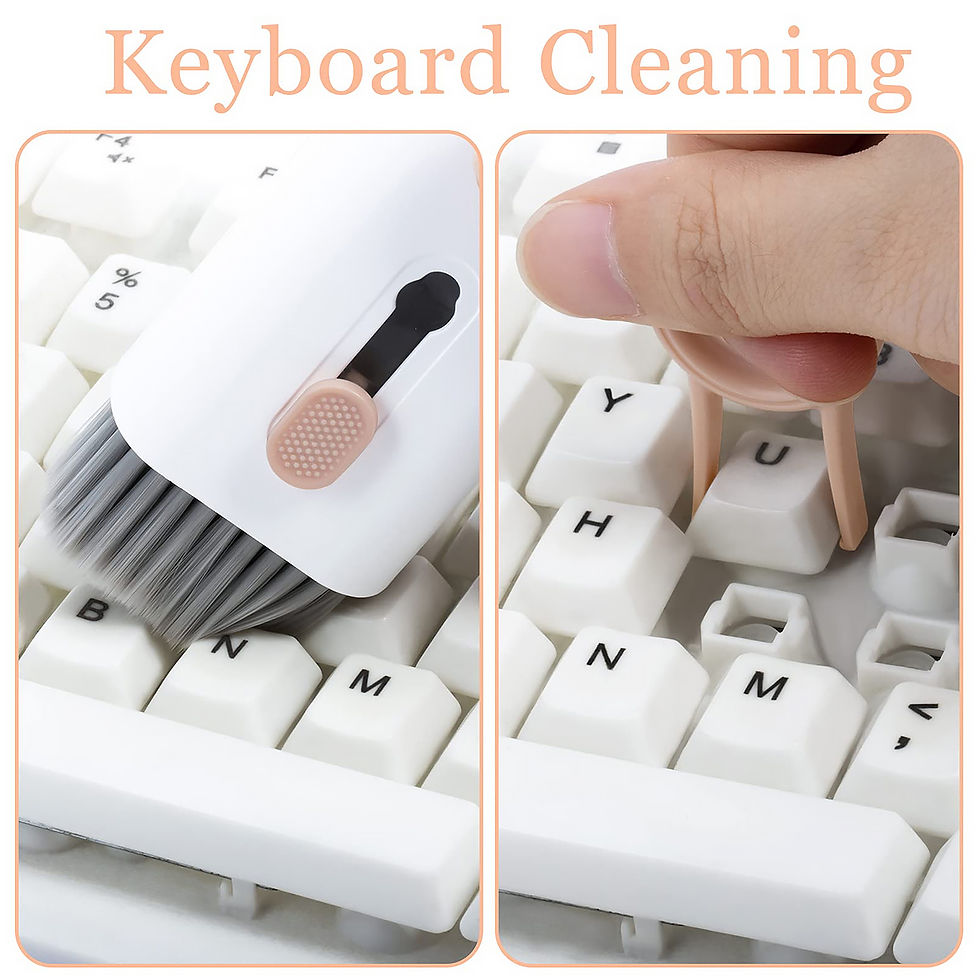
Keeping your computer clean is essential for its longevity and performance. One of the most effective tools for this task is the computer dust spray. In this detailed review, we will explore everything you need to know about computer dust sprays, including their benefits, how to use them, and the best products available on the market.
What is a Computer Dust Spray?
A computer dust spray is a canister filled with compressed air designed to blow away dust and debris from electronic devices. It is particularly useful for cleaning hard-to-reach areas like keyboards, vents, and internal components of your computer. The high-pressure air effectively removes dust without the need for physical contact, which can be risky for delicate parts.
Benefits of Using a Computer Dust Spray
1. Improved Performance
Dust accumulation can cause your computer to overheat, leading to reduced performance and potential hardware damage. Regular use of a computer dust spray helps maintain optimal airflow and cooling, ensuring your device runs smoothly.
2. Longevity of Components
By keeping your computer’s internal components dust-free, you can extend their lifespan. Dust can cause short circuits and other issues that may lead to costly repairs or replacements.
3. Easy to Use
Using a computer dust spray is straightforward. Simply point the nozzle at the area you want to clean and press the trigger. The compressed air will blow away the dust, leaving your device clean and functional.
How to Use a Computer Dust Spray Effectively
Step 1: Power Down Your Device
Before using a computer dust spray, make sure to turn off and unplug your device. This ensures safety and prevents any potential damage from static electricity.
Step 2: Hold the Can Upright
Hold the canister upright to avoid any liquid propellant from being expelled. This can damage your device.
Step 3: Short Bursts of Air
Use short bursts of air to clean the desired areas. Continuous spraying can cause the can to become cold and lose pressure.
Step 4: Focus on Key Areas
Pay special attention to areas where dust tends to accumulate, such as the keyboard, vents, and internal components.
Top Computer Dust Sprays on the Market
1. Falcon Dust-Off Compressed Gas Duster
The Falcon Dust-Off is a popular choice among users. It provides a powerful blast of air that effectively removes dust from your computer and other electronic devices.
2. Office Depot Cleaning Duster
This product comes in a pack of three and offers great value for money. It is perfect for regular maintenance of your computer and other gadgets.
3. IT Dusters CompuCleaner Xpert
The IT Dusters CompuCleaner Xpert is an electric air duster that provides a continuous stream of air. It is an eco-friendly alternative to traditional canned air dusters.
Tips for Maintaining a Dust-Free Computer
1. Regular Cleaning
Make it a habit to clean your computer regularly using a computer dust spray. This will prevent dust buildup and ensure your device remains in good working condition.
2. Use a Dust Cover
When not in use, cover your computer with a dust cover. This will minimize the amount of dust that settles on your device.
3. Keep Your Workspace Clean
A clean workspace reduces the amount of dust that can accumulate on your computer. Regularly dust and vacuum your workspace to maintain a clean environment.
Conclusion
A computer dust spray is an essential tool for maintaining the cleanliness and performance of your computer. By regularly using a computer dust spray, you can improve your device’s performance, extend the lifespan of its components, and ensure it remains in good working condition. Choose from the top products mentioned above and follow the usage tips to keep your computer dust-free and running smoothly.
Related article:


Comments