How to Use USB Out to HDMI for Seamless Streaming
- AnHome Store
- Apr 19, 2024
- 2 min read

Introduction
In the age of digital media, streaming content seamlessly is a must for both entertainment and professional settings. One of the simplest ways to achieve this is by using USB out to HDMI. This technology allows you to connect various devices to your HDMI-compatible display without the hassle of complex setups.
What is USB Out to HDMI?
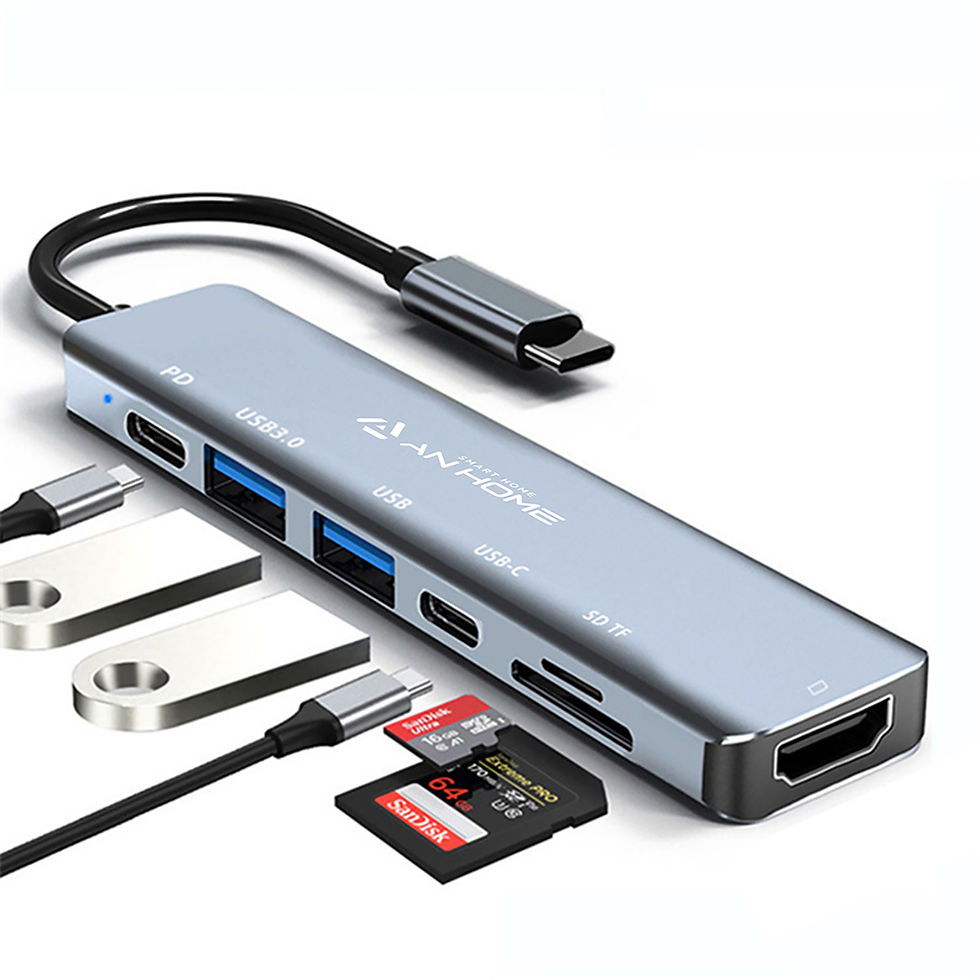
USB out to HDMI refers to the use of a USB port to output video and audio signals to an HDMI display. This method is ideal for devices that lack an HDMI port but come equipped with USB connectivity.
Benefits of USB Out to HDMI
The USB out to HDMI connection offers several advantages:
Portability: USB to HDMI adapters are compact and easy to carry.
Convenience: It simplifies the connection between devices and displays.
Versatility: Compatible with various devices, including laptops, smartphones, and tablets.
How to Connect Your Device Using USB Out to HDMI
To connect your device to an HDMI display using USB out to HDMI, follow these steps:
Ensure your device supports USB video output.
Purchase a quality USB to HDMI adapter.
Connect the adapter to your device’s USB port.
Attach an HDMI cable from the adapter to your display.
Select the correct HDMI input on your display settings.
Troubleshooting Common Issues
Sometimes, you may encounter issues when using USB out to HDMI. Here are some troubleshooting tips:
Check for loose connections.
Ensure your device’s drivers are up to date.
Try a different HDMI port on your display.
Conclusion
Using USB out to HDMI is a straightforward way to enhance your streaming experience. Whether you’re watching your favorite shows or presenting in a meeting, this connection ensures high-quality audio and visual performance.


Comments